Similar photos,
best 1–3 per scene.
Near-identical shots are grouped, with the 1–3 to keep already picked. Your photos never leave this device.

Free · iPhone only · iOS 16 or later
How it works
-
Scenes, newest photos first
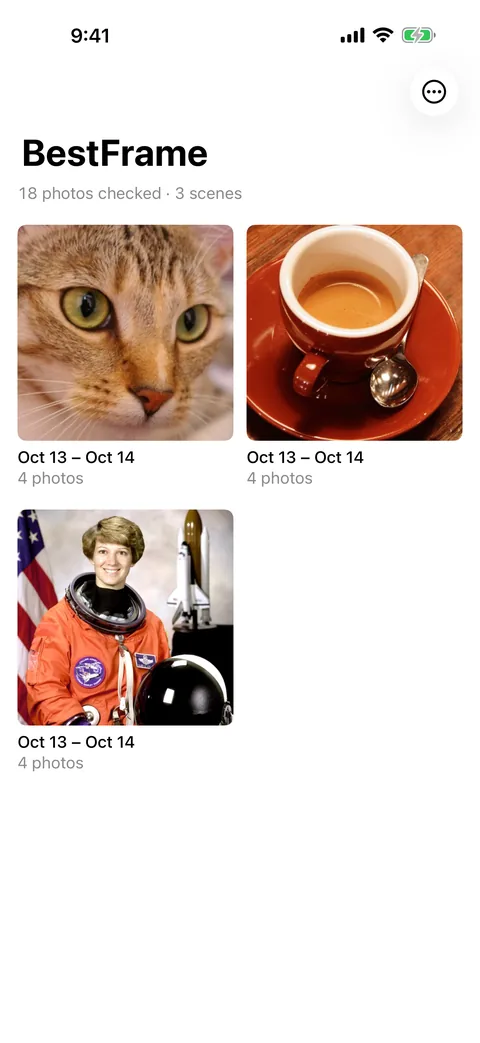
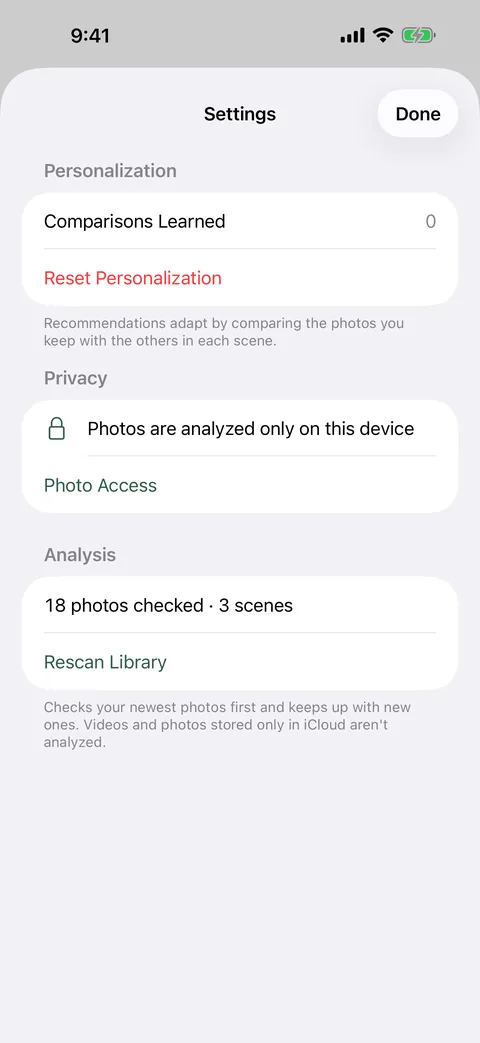
Once you allow photo access, BestFrame checks your library from the newest photo back. Near-identical shots become one scene on the home screen, with its dates and photo count.
The number of photos checked and skipped is shown as it goes.
-
1–3 picks in every scene
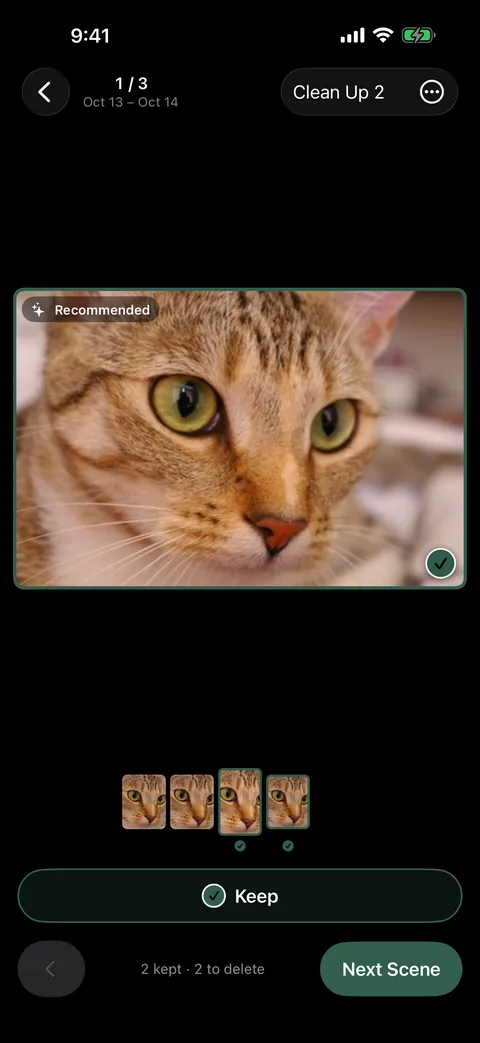
Each scene comes with 1–3 photos marked Recommended, chosen by sharpness, exposure, color, faces and resolution. Swipe through the filmstrip, change what you keep, then go to the next scene.
Leave the picks as they are or change them. Your choices adjust later suggestions, on the device.
-
Deletions, confirmed once at the end
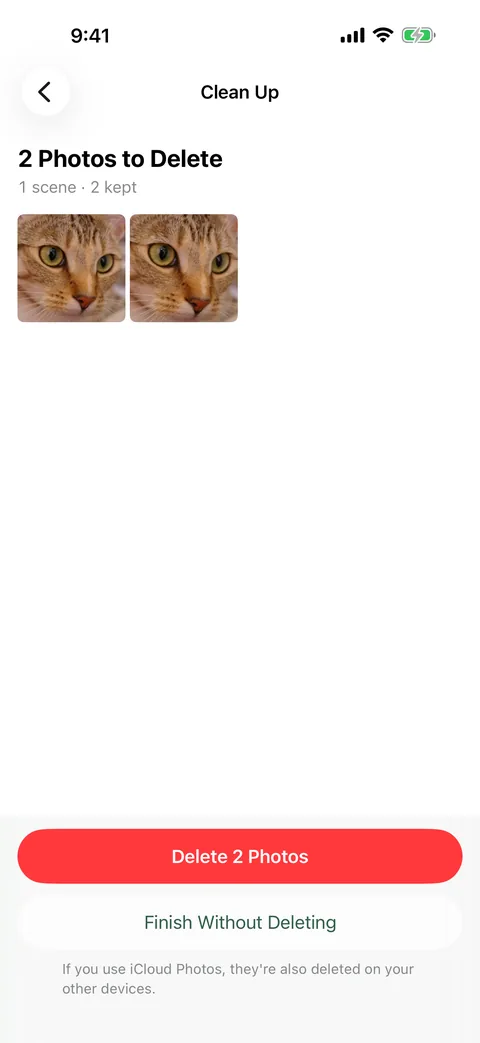
The Clean Up screen collects every photo you chose not to keep. They are deleted together after the iOS confirmation and move to Recently Deleted in Photos.
Finish without deleting and every photo stays where it is. Favorites are never deleted.
Your photos stay on this iPhone
- Photo analysis and preference learning happen only on the iPhone.
- Photos and analysis results are never sent to a server. There is no account.
- No ads, no tracking. Only anonymous crash reports and usage counts, to improve the app.
- Photos are not downloaded from iCloud for analysis.
Before you install
What does it cost? Nothing. There is no sign-up and no subscription.
Which devices? iPhone only, running iOS 16 or later.
What is analyzed? Photos only. Videos, and photos stored only in iCloud and not downloaded to the iPhone, are skipped.
Can I allow only some photos? Yes. BestFrame then looks for similar shots only among the photos you allowed.
When does it scan? While the app is open. On iOS 26 or later, scanning continues after you leave the app for as long as iOS allows; if it stops, it picks up where it left off when you open the app again.
Can I get deleted photos back? Yes, from Recently Deleted in the Photos app, within the period iOS keeps them. With iCloud Photos, deletions apply to your other devices too.
How good are the picks? They come from image-quality signals and the choices you have made. BestFrame can’t judge what a photo means to you, so look before you delete.
More questions? The support page has answers and a contact email.
BestFrame is free on the App Store.